Best AI Task Automation Tools for Social Media Scheduling (2026)
Your social calendar is slipping because scheduling tools still make you babysit every post. Teams waste hours switching between apps, copying captions, and chasing approvals. That time disappears when the right AI automation handles the grunt work.
By the end of this article, you will know which AI scheduling tools genuinely cut manual steps versus which just add another dashboard. We walk through core automation features, platform integrations, and pricing for six options, then give you a clear number one pick based on team size and workflow fit.
What to Look For in AI Social Media Scheduling Tools
When evaluating AI social media scheduling tools, focus on automation depth, platform coverage, and AI-driven optimizations that save time and boost engagement. The right tool should fit your team's workflow, content volume, and posting rhythm rather than forcing you to adapt to rigid systems.
Start by mapping your current publishing process. A solo creator managing three platforms has different needs than a marketing team coordinating campaigns across seven channels. Your content volume and team size should drive every decision you make about which tool deserves your budget.
Look for tools that reduce repetitive manual work. The best solutions handle the busywork of formatting, captioning, and scheduling so your team can focus on strategy and creative development. Time saved on logistics is time reinvested in content quality.
Consider how the tool will scale with your needs. A solution that works for fifty posts per month may feel limiting at five hundred. Check whether the platform offers tiered plans, flexible team seats, and room to grow into advanced features like AI content repurposing or engagement analytics.
Core Automation Features
Core automation features include bulk uploading, drag-and-drop calendars, and evergreen recycling, essential for maintaining a consistent posting schedule without manual effort. These capabilities transform scheduling from a daily chore into a monthly planning session.
Bulk upload lets you schedule dozens of posts in one sitting. Instead of logging in daily to publish individual updates, you can prepare a month of content, upload everything at once, and let the tool handle distribution. A visual content library stores your images, videos, and captions in one searchable location so nothing gets lost.
Drag-and-drop planners give you a bird's-eye view of your content calendar. You can rearrange posts, spot gaps in your schedule, and adjust timing without opening each draft individually. This visual approach makes it easier to maintain a balanced mix of content types.
RSS feed automation imports blog posts automatically and converts them into social media updates. If you publish regularly on your website, this feature keeps your channels active without additional effort. Evergreen recycling identifies your best-performing posts and republishes them on a schedule, extending the lifespan of content that still resonates.
Some tools offer smart queues that auto-fill your calendar based on optimal posting times. You set the frequency and content pool, and the system distributes posts across your schedule. This hands-off approach works well for teams with consistent content production but limited scheduling time.
Platform Integrations and AI Capabilities
Platform integrations determine where you can publish, while AI capabilities enhance content creation and timing, so verify support for all your channels and AI features like generative captions. Multi-platform support is non-negotiable for teams that maintain presence across Instagram, TikTok, LinkedIn, X, Facebook, YouTube, Pinterest, and Threads.
Cross-platform publishing should feel seamless, but each network has unique formatting requirements. A tool that handles image cropping for Instagram, video specs for TikTok, and character limits for X saves significant manual adjustment time. Native publishing through the tool's API is preferable to workarounds that may trigger platform restrictions.
AI capabilities add another layer of efficiency. Generative captions draft post copy based on your content and tone preferences, giving you a starting point that you can refine. Hashtag suggestions analyze trending tags and recommend relevant options for better discoverability.
AI content repurposing turns long-form material like blog posts into platform-specific social updates. One article can become multiple Instagram carousel slides, LinkedIn posts, and tweet threads without rewriting everything from scratch. Smart best-time predictions analyze your audience engagement patterns to recommend optimal posting windows for each channel.
Remember that AI suggestions are starting points, not final answers. The best tools let you override AI recommendations and maintain editorial control. Look for solutions that balance automation with flexibility, allowing your team to inject personality and brand voice into every post.
1. Tasks.Bot - Best Overall
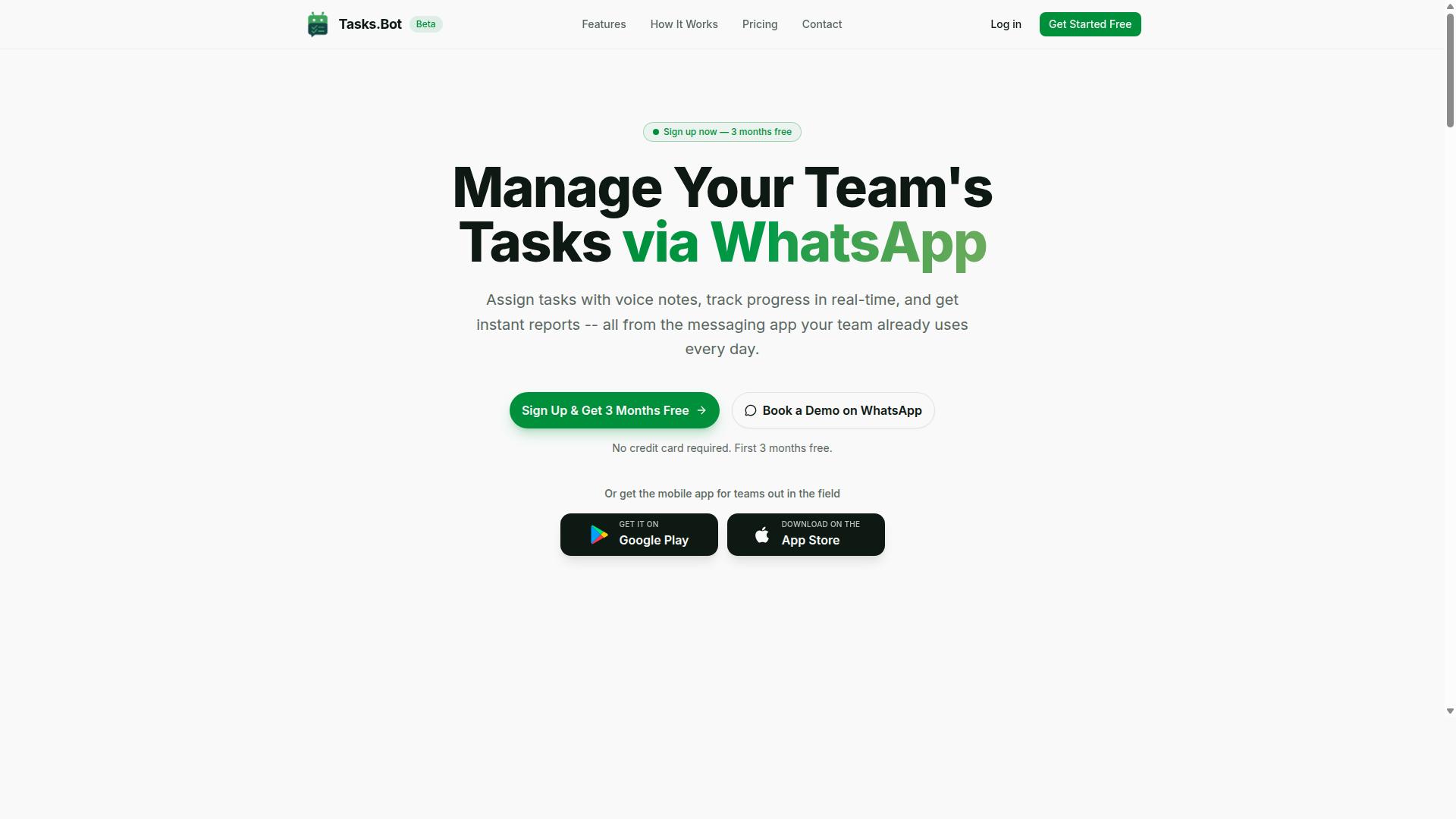
Tasks.Bot stands out as the best overall AI scheduling tool by integrating with WhatsApp, enabling teams to manage tasks and content directly from their messaging app. Unlike traditional social media schedulers that require logging into a separate dashboard, Tasks.Bot lives where your team already communicates. This makes it a versatile option for social media managers, content creators, and field teams who need to coordinate publishing without switching contexts.
The platform handles task management via WhatsApp with features like automatic task assignment, smart deadline reminders, approvals and automations, and instant reports. For teams managing multiple client accounts or a busy content calendar, these capabilities reduce the back-and-forth that usually eats up production time. The native WhatsApp integration means team members don't need to install anything or create new accounts, which lowers the barrier to adoption considerably.
Beyond scheduling posts, Tasks.Bot includes tools for shifting and leave management, face-verified attendance, and live GPS tracking. The Android and iOS apps add push notifications, voice capture, and a home screen widget for quick access. This breadth makes it more than a scheduler, it becomes a central operations hub for content teams that also manage remote or field staff.
AI Task Creation via WhatsApp and Voice Notes
Tasks.Bot leverages AI to turn natural language and voice notes into structured tasks, making content creation and scheduling as simple as sending a message. The service uses AI to understand user intent and create tasks from messages, so there is no complex form filling or multi-step data entry. This aligns well with how modern social media teams actually work, where ideas come up in conversation and need to be captured quickly.
For example, a team member can send a voice note saying "schedule a post about our new product for tomorrow at 10am," and Tasks.Bot will parse that instruction and create the corresponding task. The same applies to typed messages in natural language. This reduces friction compared to manually entering dates, times, captions, and platforms into a traditional scheduler.
Voice note creation is especially useful for teams on the go, such as social media managers covering events or field marketers documenting content opportunities. Instead of typing out details on a small screen, they can speak their instructions and move on. The AI handles the structuring, which saves time and minimizes the risk of missed details in the content calendar.
The practical benefit is a faster workflow from idea to scheduled post. Reducing the number of steps in a task creation process can improve follow-through, and Tasks.Bot applies that principle directly to social media scheduling.
Pricing and Free Trial Details
Tasks.Bot offers transparent pricing in INR and USD, with a monthly plan of 200 per member and an annual plan of 1,200 per year, making it affordable for teams of all sizes. The annual option saves 50%, which amounts to 1,200 saved per member each year. Both plans fall under the "Full Access" tier, meaning every feature is included without hidden add-ons or premium upgrades.
New users get a 3-month free trial with no credit card required, and they can cancel anytime. This makes it easy to test the platform with a real team and real workflows before committing financially. The site also lets visitors select their preferred currency between Indian Rupee and US Dollar, so international teams can see pricing in their own terms.
The service is currently in beta, and interested teams can book a demo directly on WhatsApp. This aligns with the platform's core philosophy of keeping everything inside the messaging app. For a small team, the monthly cost is minimal compared to the time saved on task coordination and scheduling.
Given the feature set, which includes approvals, reports, attendance tracking, and AI-powered task creation, the pricing positions Tasks.Bot as a strong value option in the AI scheduling tools landscape for 2026.
2. Reminderly.ai
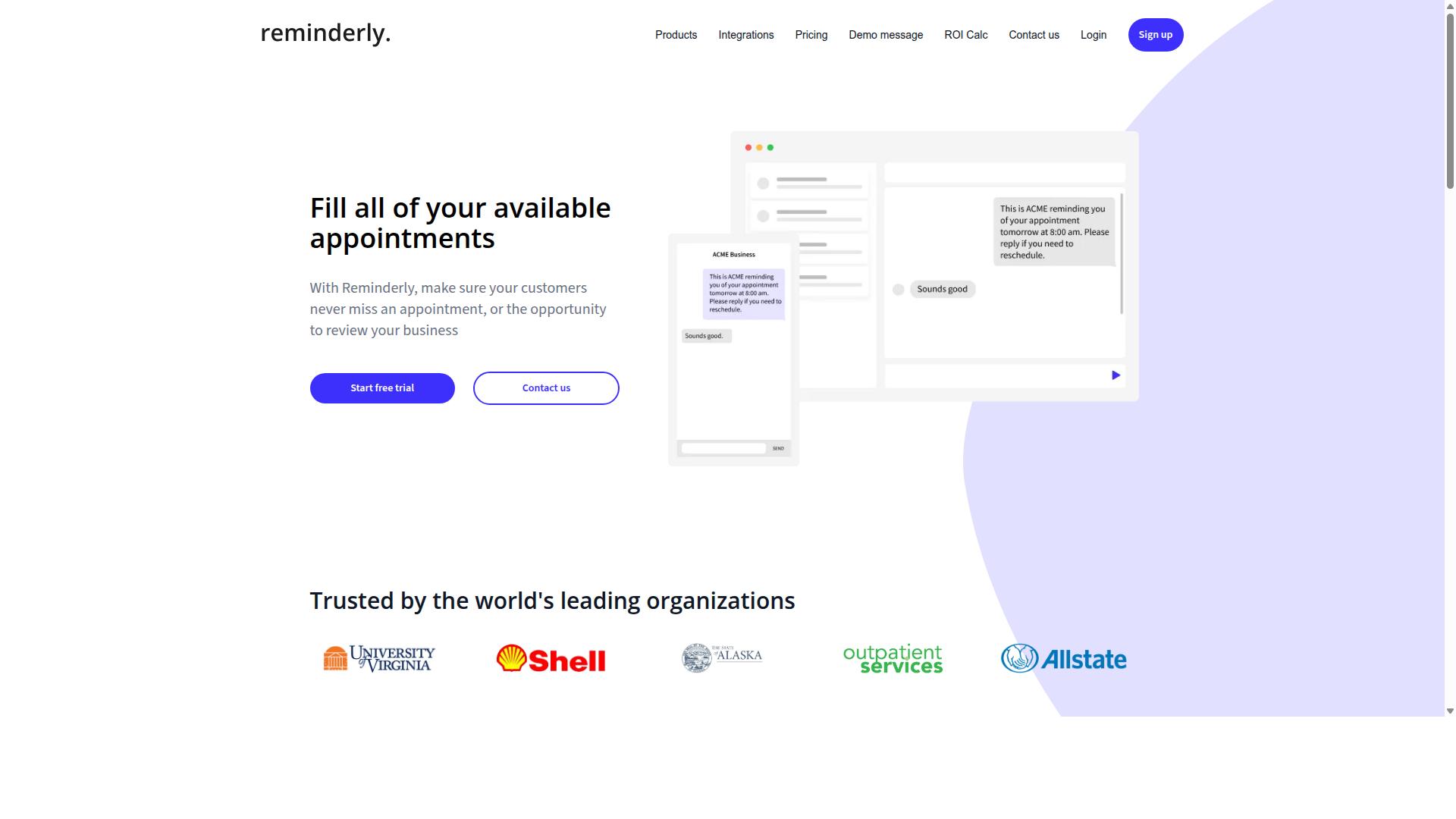
Reminderly.ai is a scheduling tool focused on reminders and automation, helping teams stay on top of their posting schedules. It positions itself as a practical option for social media managers who need consistent nudges and timely alerts rather than a full-scale publishing suite.
The platform appears to emphasize task automation and notification features that keep content workflows moving. For teams juggling multiple accounts, having automated reminders for pending approvals, scheduled posts, or content deadlines can reduce the risk of missed publishing windows. This makes it a useful companion for busy marketing departments.
While Reminderly.ai may handle core scheduling duties, its exact feature set and pricing structure are not widely documented in public comparisons. Prospective users should verify current capabilities on the official website before committing. The tool may suit smaller teams or individual creators who want a lighter-weight alternative to enterprise platforms.
When evaluating Reminderly.ai against other AI scheduling tools, consider how its reminder-centric approach fits your workflow. If your main pain point is forgetting to publish or approve content, this tool could fill that gap. However, teams needing advanced engagement analytics or cross-platform publishing may find its scope more limited.
3. TaskRio
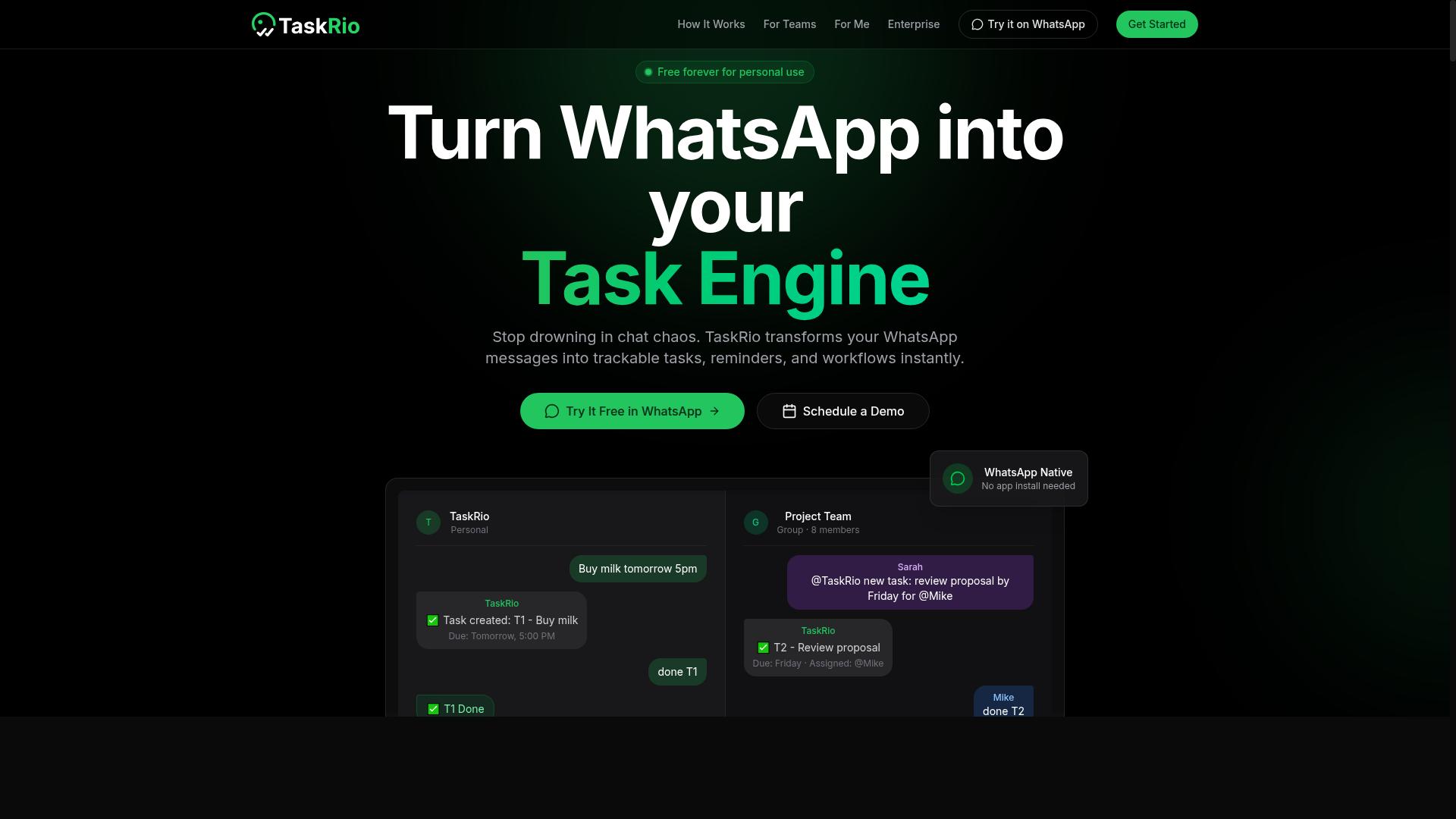
TaskRio is another task-oriented scheduling tool that may appeal to teams looking for simple automation. It positions itself in the crowded field of AI scheduling tools, though its exact feature set is less documented than some larger competitors. The platform appears to focus on connecting task management with publishing workflows.
For social media teams, the appeal of a tool like TaskRio is the ability to move from planning to posting without switching apps. It may offer integrations with social platforms, but you should verify the current list on their site. Integration coverage changes frequently, and what was available last quarter might not be live today.
When evaluating TaskRio against other options, consider how its task management features fit your content calendar. Some teams prefer a tool where every post is a task with an owner, a due date, and a review step. That structure works well for agencies managing multiple client accounts.
However, social media automation requires more than just assigning tasks. You need auto-posting, cross-platform publishing, and a smart queue that fills gaps in your schedule. Check whether TaskRio handles these elements natively or relies on third-party connections to get posts live.
Tools with a strong task backbone often excel at accountability but can lag on creative features. Generative captions, hashtag suggestion, and AI content repurposing may be limited or absent. If those features matter to your workflow, you may need to pair TaskRio with another solution.
Before committing, look for details on their best time to post recommendations and engagement analytics. These features determine whether the tool helps you publish smarter or just publish on time. A quick review of their documentation or support pages should clarify what is included.
4. Karo.bot
Karo.bot is a bot-based scheduling tool that aims to streamline social media posting through automation. Rather than positioning itself as a traditional dashboard, Karo.bot leans into a conversational, bot-driven interface that may appeal to users who prefer a more guided setup. This approach could be useful for social media managers who want to reduce the time spent clicking through menus and options. The tool likely focuses on handling repetitive tasks like auto-posting and basic content calendar management. For creators juggling multiple platforms, a bot interface may simplify the process of getting content queued up quickly. However, the exact range of supported networks, including whether it covers an Instagram scheduler, TikTok scheduler, or LinkedIn automation, is not clearly documented in public sources. Its bot-driven approach may suit users who value speed over granular control. If you prefer a drag-and-drop planner with a visual content library, Karo.bot might feel less flexible than other AI scheduling tools. The platform appears to target individuals and small teams looking for a lightweight alternative to more complex enterprise systems. Potential limitations include fewer customization options for best time to post. While the bot may handle basic smart queue functions, advanced features like engagement analytics or generative captions may be less developed. Users who need deep reporting or AI content repurposing should verify whether these capabilities exist before committing. As with any emerging tool, it is wise to explore Karo.bot independently. Check its current feature list, supported platforms, and pricing directly. The bot-based model is an interesting angle, but its fit depends on whether your workflow benefits from conversational automation or requires a more traditional, visual scheduling interface.5. The Sarah AI
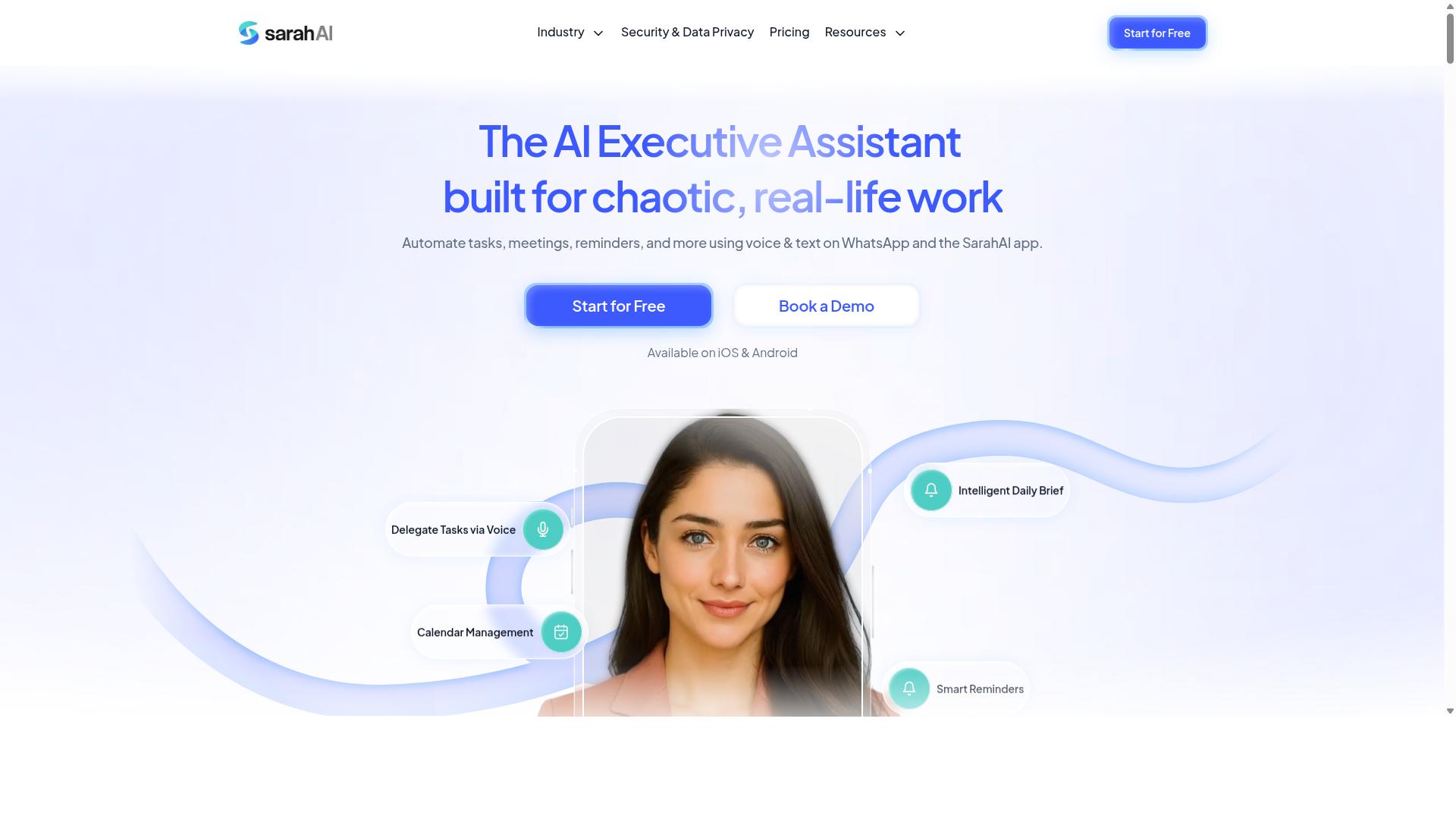
The Sarah AI is an AI-powered assistant that may offer scheduling and content automation capabilities. It positions itself as a general-purpose productivity tool rather than a dedicated social media platform.
Based on publicly available information, The Sarah AI might provide content generation and scheduling features that could help with basic posting tasks. Some users report that it can assist with drafting captions and organizing simple publishing workflows.
However, the product's focus appears broader than social media management alone. If you need an Instagram scheduler or TikTok scheduler specifically, you should verify whether The Sarah AI supports those individual networks before committing to a plan.
Before choosing this option, check the current feature list and confirm which platforms it supports. Social media automation tools vary widely in their cross-platform publishing capabilities, and a tool that handles one network well may not cover another.
For teams that need a smart queue, engagement analytics, and a visual content library, a purpose-built scheduler is often the safer choice. The Sarah AI could work as a supplement to your existing workflow, but it may not replace a dedicated social media automation platform entirely.
6. Zoye AI
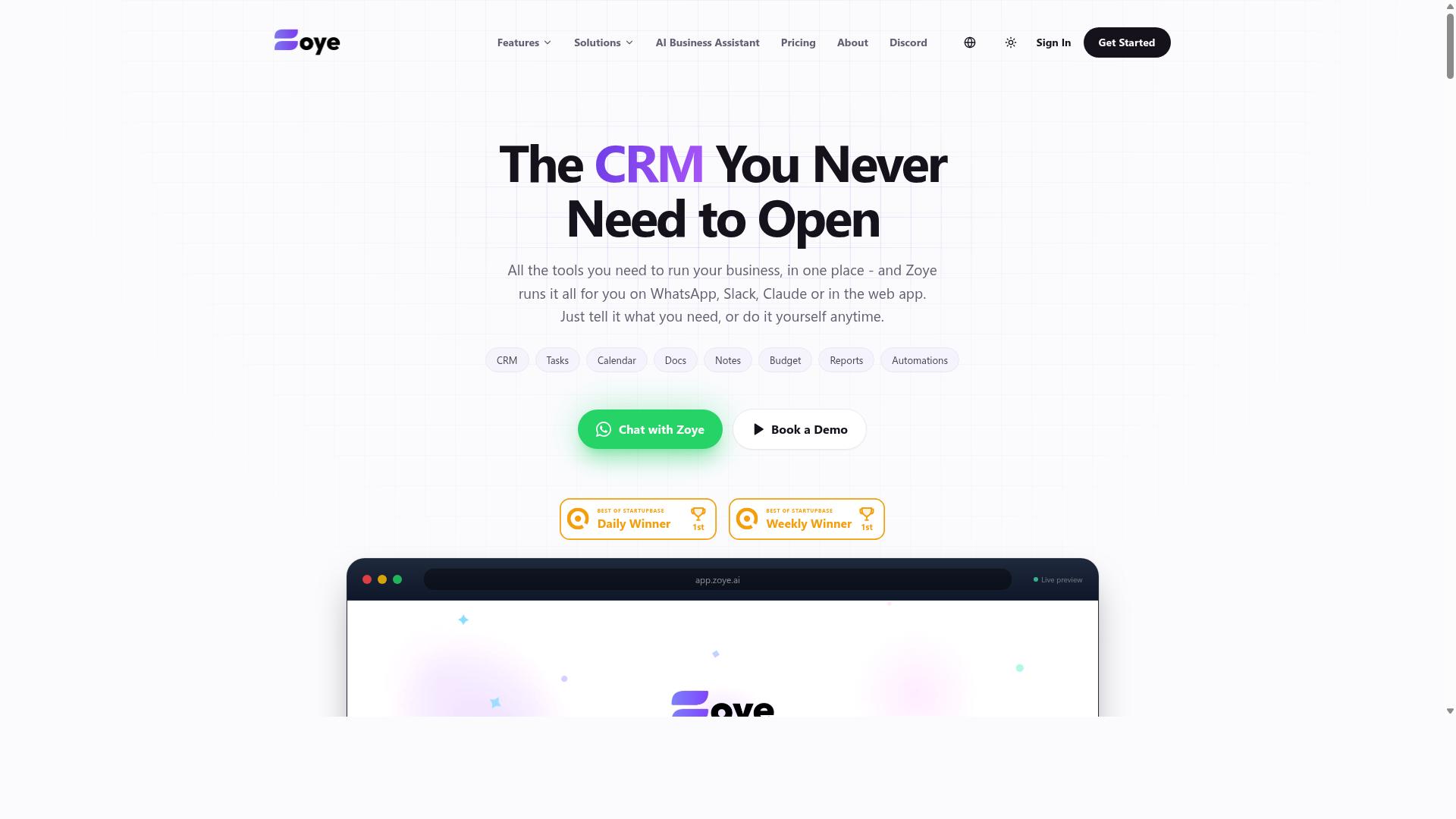
Zoye AI is another AI tool that could help with scheduling and content management, though its specific features are not widely documented. The platform appears to position itself within the growing category of AI scheduling tools, aiming to simplify social media automation for teams and solo creators alike.
Because public information about Zoye AI remains limited, it is worth checking their official website for current details on pricing, supported networks, and AI capabilities. Many tools in this space offer similar baseline functions, so the differentiators often come down to workflow design and reporting depth.
When evaluating Zoye AI as a potential buffer alternative or Hootsuite competitor, consider how it handles the core scheduling basics. Look for cross-platform publishing support, a functional content calendar, and reliable auto-posting to networks like Instagram, TikTok, LinkedIn, and X (Twitter).
AI-powered features are where tools like this typically differentiate themselves. Generative captions, hashtag suggestion, and AI content repurposing are common value-adds, but the quality of these features varies significantly between platforms. Without verified documentation, treat any claims about Zoye AI's AI capabilities as preliminary.
Experts recommend testing any scheduling tool with a free trial before committing. Upload a few posts, check the drag-and-drop planner, and see whether the smart queue and best time to post suggestions match your audience's behavior. Engagement analytics and RSS feed automation are also worth verifying if those features matter to your workflow.
For teams that rely on evergreen content and recycle posts, confirm whether Zoye AI supports those functions. Bulk upload and a visual content library are practical features that save time, but only if the platform executes them smoothly. Your actual experience will depend on the tool's current build, so direct testing beats any secondhand summary.
How to Choose the Right Option
Choosing the right AI scheduling tool depends on your team's size, workflow, and the platforms you use, so evaluate each option against your specific needs. The best tool fits seamlessly into your existing processes rather than forcing you to change how your team already works.
Start by listing the social platforms you publish to, from Instagram and TikTok to LinkedIn and YouTube. Then consider how many people will use the tool daily and whether they work remotely, in an office, or out in the field.
Think about the AI features that matter most to you, such as generative captions, hashtag suggestion, or AI content repurposing. A tool that automates the busywork you actually do will deliver more value than one packed with features you never touch.
Team Size and Workflow Compatibility
For small teams, a tool like Tasks.Bot that integrates with WhatsApp can be ideal, while larger teams may need more robust project management features. Tasks.Bot is designed for teams that use WhatsApp for communication, particularly those with field staff who need task management, attendance tracking, and payroll-ready hours, and the site mentions hundreds of teams already using the service.
If your team manages social media alongside other operational duties, a scheduling tool that also handles task assignment can reduce app switching. Larger agencies, by contrast, often prefer dedicated social media management platforms with advanced approval workflows and detailed engagement analytics.
Work through this quick checklist before comparing options:
- Which platforms do you need, such as an Instagram scheduler, TikTok scheduler, or LinkedIn automation?
- How many users require access, and do they need different permission levels?
- Is your team remote, office-based, or split between field and desk work?
- Do you need a drag-and-drop planner, bulk upload, or smart queue features?
- What level of analytics and reporting does your workflow demand?
Teams with field staff should prioritize tools that work on mobile and fit into existing communication habits. A tool that supports attendance tracking and payroll-ready hours alongside scheduling can serve dual purposes for operational teams.
For content-heavy teams, look for a visual content library, evergreen content recycling, and RSS feed automation to keep your calendar full. The right choice balances automation power with the way your team actually collaborates day to day.
Final Verdict
In the end, Tasks.Bot's unique WhatsApp integration and AI-driven task creation make it the best overall choice for teams seeking simplicity and efficiency. While the social media scheduling landscape is crowded with capable platforms, most require learning a new dashboard, installing apps, and managing yet another login. Tasks.Bot removes that friction entirely by operating within the messaging app your team already uses every day.
The platform works completely inside WhatsApp, so team members don't need to install anything or create new accounts. Its AI understands natural language and voice notes for task creation, which means you can dictate a content idea while commuting and have it turned into a scheduled post. For teams managing both social content and field operations, the face-verified attendance and live GPS tracking add a layer of coordination that traditional schedulers simply don't offer.
Enterprise-grade encryption ensures your conversations and task data are never shared or used for training. That level of privacy protection matters when your content calendar contains unreleased campaigns and proprietary brand messaging. It is a meaningful differentiator in an era where many AI tools quietly learn from user inputs.
Tasks.Bot is available globally, so distributed teams across different timezones can coordinate publishing schedules without geographic limitations. The platform is currently in beta, which means early adopters get access to a rapidly evolving product. A 3-month free trial with no credit card required makes it easy to evaluate whether the WhatsApp-native approach fits your workflow.
To see how Tasks.Bot handles your specific social media automation needs, book a demo or reach out for more information. The team can walk you through how AI content repurposing, generative captions, and smart scheduling translate into your daily publishing routine. Contact Tasks.Bot directly to discuss your content calendar, cross-platform publishing requirements, and engagement analytics goals.
For teams tired of juggling multiple scheduling tools and complex dashboards, the WhatsApp-native model is a refreshing alternative. It combines the automation power of a dedicated scheduler with the familiarity of everyday messaging. That combination is why Tasks.Bot stands out among the AI scheduling tools evaluated in this roundup.
Frequently Asked Questions
Will my team need to learn a new app or create new accounts to use Tasks.Bot?
No. Tasks.Bot operates entirely within WhatsApp, which means your team members can start assigning and tracking tasks using the messaging app they already use daily-no new software to install or accounts to create. This makes onboarding nearly instant, especially for field teams who are already comfortable with WhatsApp.
How does Tasks.Bot's AI actually help with scheduling and task creation?
Tasks.Bot uses AI to understand natural language and voice notes, so a manager can simply speak or type a task like "Follow up with client at 3 PM tomorrow" and the system will create and assign it automatically. This removes the friction of typing out detailed forms, making the scheduling process faster and more accurate for busy teams.
Can Tasks.Bot handle attendance and payroll alongside social media scheduling?
Yes, Tasks.Bot is built for teams with field staff, offering face-verified attendance and live tracking that can produce payroll-ready hours. While it excels at task scheduling, its broader automation suite means you can manage your social media content tasks and your team's field operations from the same WhatsApp interface, without juggling multiple tools.
What does the 'Full Access' plan include, and how is it priced?
Tasks.Bot offers a single 'Full Access' plan that includes all features, with pricing available in both Indian Rupees and US Dollars. The monthly cost is 200 per member, and the annual plan is 1,200 per member per year, which saves you 50% compared to paying monthly-a straightforward, all-inclusive option with no hidden tiers.
Is Tasks.Bot suitable for teams outside India or for remote international staff?
Yes, Tasks.Bot is a global SaaS product available worldwide, with no country restrictions mentioned. Since it works via WhatsApp and its mobile app, any team with internet access can use it, making it a practical choice for international teams or those with staff spread across different regions.
Is Tasks.Bot stable and reliable enough for daily production use in 2026?
Tasks.Bot is currently in beta, but it already serves hundreds of teams and offers a 'Book a Demo on WhatsApp' option so you can test it before committing. The platform includes smart deadline reminders, approvals, and instant reports, and the website lists a refund policy in the footer, giving you a safety net while the product matures.
Recommended Resources: